Image Extender
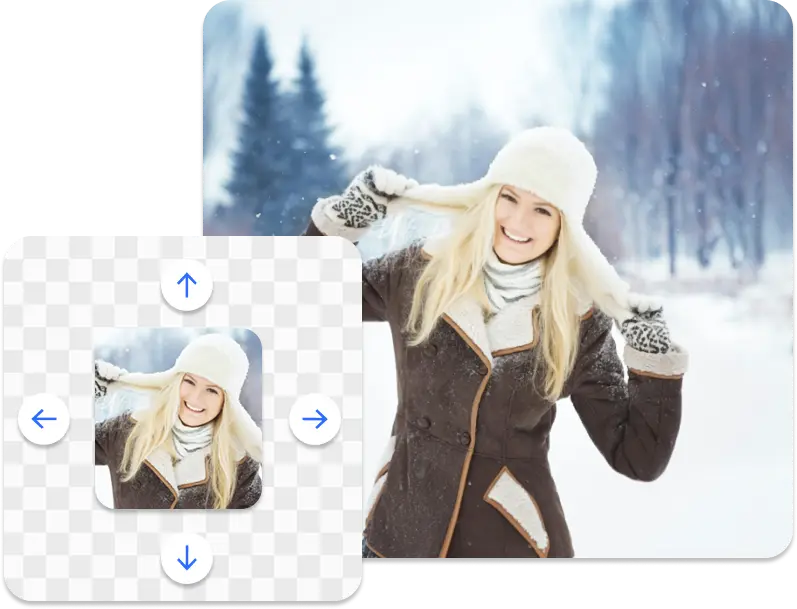
Expand your images beyond their original borders with our AI-powered extension, creating seamless extensions that blend perfectly with the existing content.
No image on hand? Try one of these:
How It Works
Transform your image in four simple steps
Upload Your Image
Drag and drop or select any image from your device. Supports JPG, PNG, and WebP formats.
Select Direction
Choose which direction to expand your image - left, right, top, bottom, or all sides at once.
AI Does the Magic
Our AI analyzes your image and generates seamless extensions that match the style and context.
Download & Share
Get your expanded image in high resolution and share it with the world instantly.
Powerful Features You Will Love
Extend images beyond their original borders while keeping everything natural and visually consistent.
Custom Canvas Size
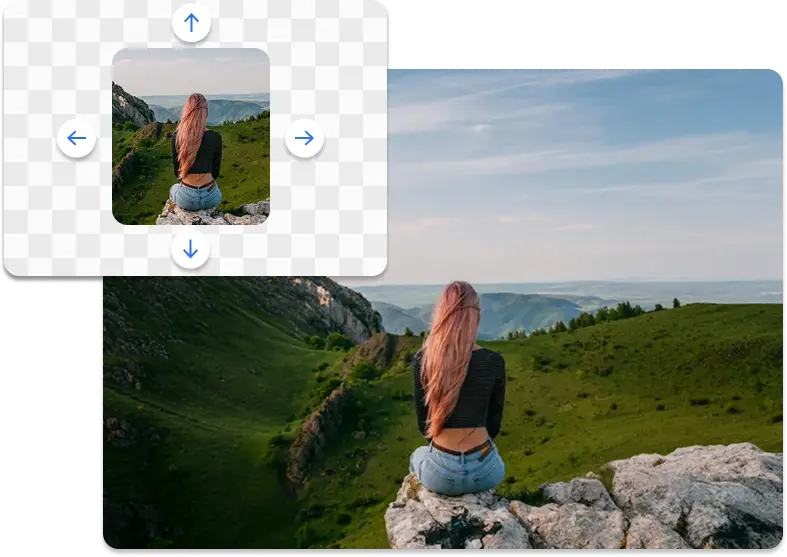
Gain full control over your canvas dimensions by adjusting the width and height either by inputting the final values you require or stretching the canvas as needed.
Whether you’re expanding an image for social media, banners, product listings, or custom layouts you can easily create the exact size and proportions required for any platform or use case.
Common Aspect Ratios in 1 Click
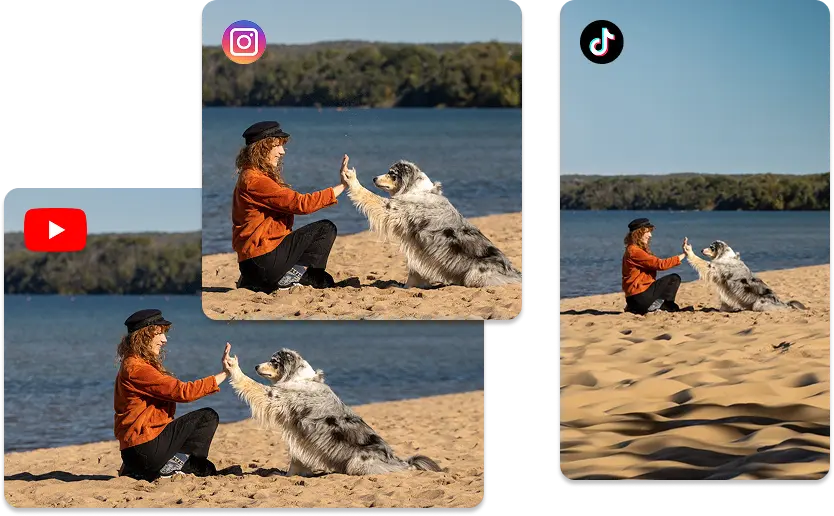
Quickly resize your canvas with ready-to-use presets designed for social media, print, and video formats. With just one click, choose from popular ratios for Instagram, Twitter, LinkedIn, YouTube, and most standard print sizes.
This makes it easy to create platform-ready visuals without manually adjusting dimensions, saving time and making sure that your content looks perfectly framed and professional across every channel.
Remain In Full Control Of Outpainting
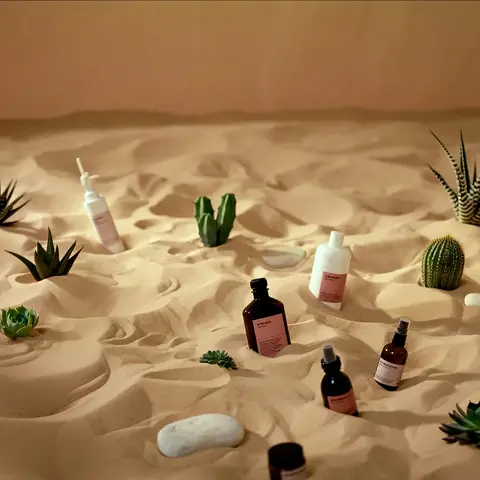
Guide the generated content using positive prompts to specify what should appear, and negative prompts to indicate what to avoid. This lets you shape the expanded image exactly the way you envision it—whether it’s adding elements, extending backgrounds.
By providing clear instructions, you ensure that the outpainted areas align perfectly with your creative goals and maintain the desired aesthetic.
High-Resolution Outputs
Generate outpainted images in high resolution, ensuring that every detail is crisp and clear. Perfect for professional use, whether for print or digital media.
Our advanced AI technology maintains image quality, allowing you to create stunning visuals that look great on any platform.
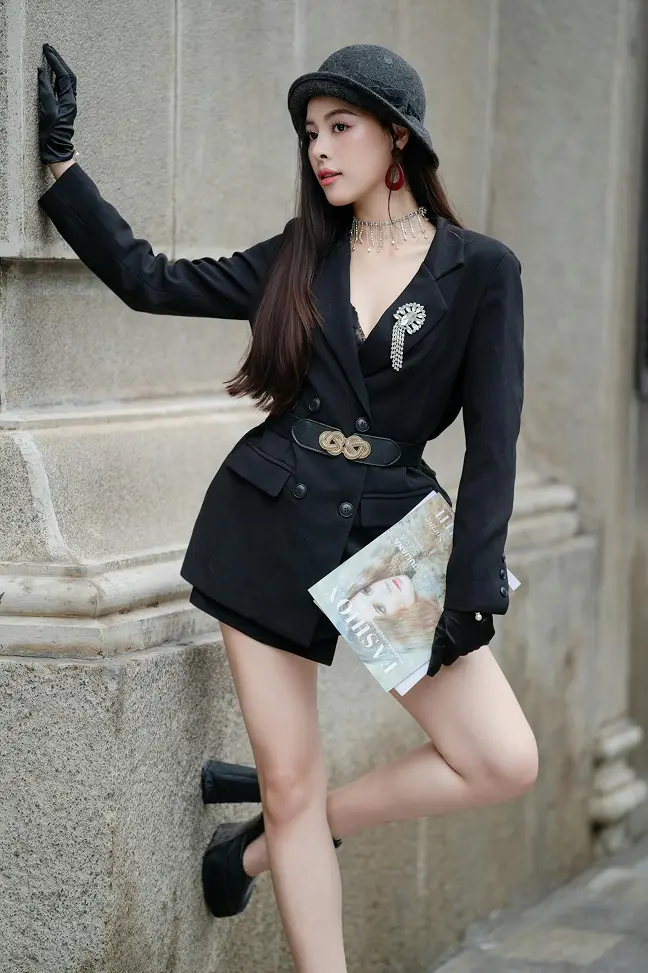
Aspect Ratios For Every Platform Ready To Go
Skip the long and difficult process for adjusting your creatives to each platform. Unlock the power of AI Image Expansion - choose required sizes for your platforms and get things done in seconds.
Social Media
- Instagram (1:1, 4:5, 16:9)
- Twitter Banner
- LinkedIn Post
Video & Screen
- 16:9 (HD, 4K)
- 4:3 (Classic)
- 21:9 (Ultrawide)
Print & Photo
- 3:2 (Photo)
- A4 Document
- Square (1:1)
Custom Size
- Free Resize
- Lock Aspect Ratio
- Pixel-Perfect Control
What Our Users Are Saying
Studio Ops
Post-production automation
"Integrated outpainting into a batch workflow to normalize image padding and backgrounds. Reduced manual background edits and accelerated delivery of catalog images."
Retail Imaging
Catalog normalization
"Used outpainting to generate consistent margins and backgrounds across thousands of SKUs, avoiding re-shoots and reducing manual retouching."
Landscape Agency
Large-format expansion
"Extended aerial and landscape images into wide-format panoramas suitable for print with minimal manual cleanup."
Ready to Create Stunning Images?
Start outpainting your images today and unlock endless possibilities with AI-powered expansion.
Frequently Asked Questions
The outpainting pipeline uses diffusion-based generative models trained on large image datasets. It analyzes local texture, color distribution, global composition, and scene semantics to synthesize additional pixels that maintain perspective, lighting, and structural continuity.
We do not resample or stretch original pixels. The model synthesizes new content adjacent to the input image; original pixels are preserved. This preserves detail and prevents geometric distortion that occurs with naive scaling methods.
High-resolution images with clear, consistent backgrounds or repeated textures (sky, grass, walls) typically yield the best extensions. Complex, highly detailed foregrounds with ambiguous context may require additional masking or smaller incremental expansions for optimal output.
Outputs can include plausible synthesized content but may occasionally introduce artifacts or semantically incorrect elements. For best results: use higher-resolution inputs, expand in smaller increments for complex scenes, and use masks to constrain generative areas.
We accept JPG, PNG and WebP up to 50MB. Export supports configurable formats, resolution, and compression. For print or archival use, choose lossless PNG and set the desired DPI in export settings.
Integrate AI Power Into Your Apps
Access our full suite of AI tools programmatically. Build powerful image processing features into your products with just a few lines of code.
Lightning Fast
Process images in milliseconds with our optimized infrastructure
Simple Integration
RESTful API with clear documentation and code examples
Enterprise Ready
High availability with dedicated support for teams
const url = "https://api.bubbi.app/api/v3/image-outpaint"

const headers = new Headers();
headers.append("Authorization", "Bearer YOUR_API_KEY_HERE");

const formdata = new FormData();

formdata.append("image", "image.png");
formdata.append("width", "1920");
formdata.append("height", "1080");
formdata.append("reference_offset_x", "0");
formdata.append("reference_offset_y", "0");

const requestOptions = {
  method: 'POST',
  body: formdata,
  headers: headers,
};

fetch(url, requestOptions)
  .then(response => response.json())
  .then(result => console.log(result))
  .catch(error => console.log("error", error));